
Define
Create a profile with the fields, documents, and capture steps you need.
How it works
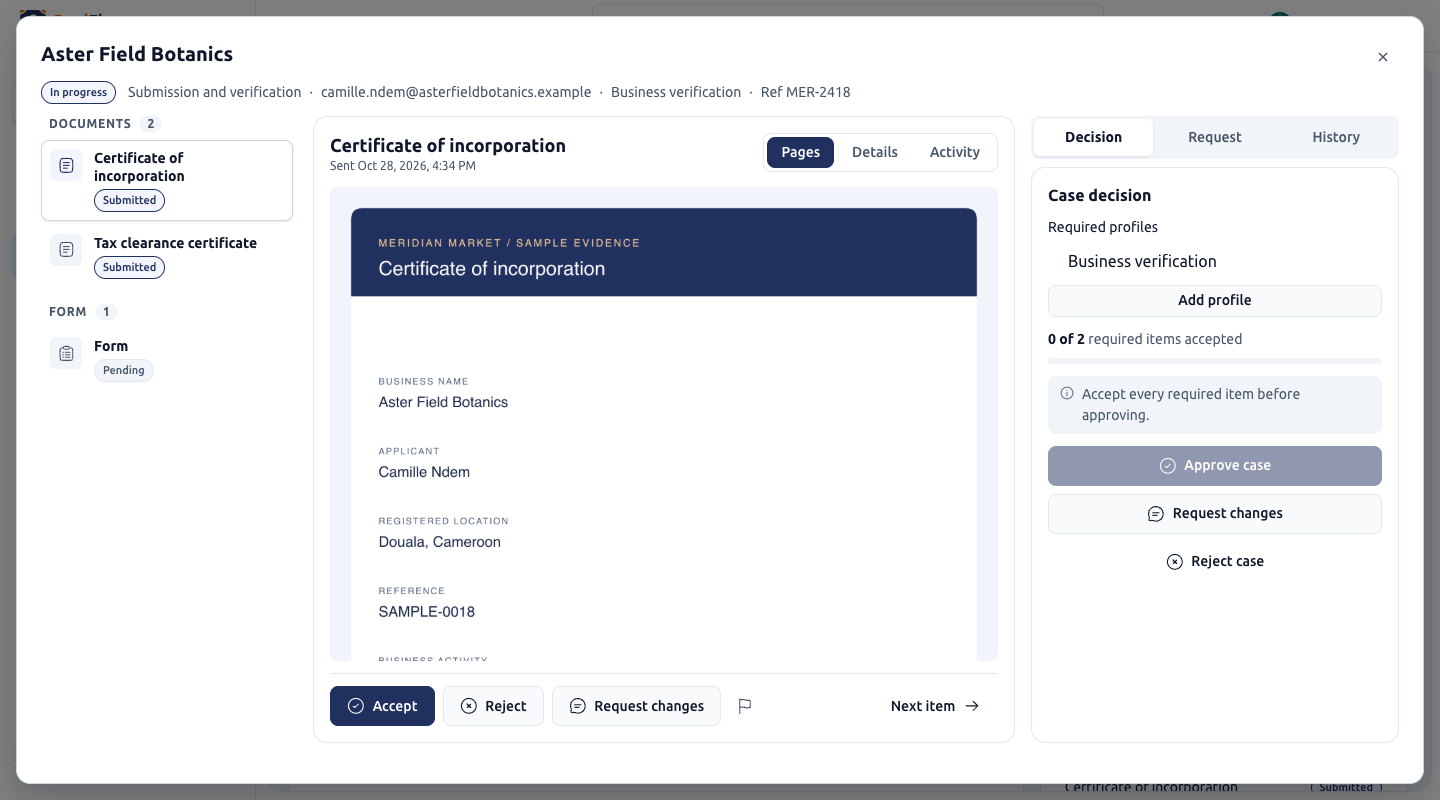
Use reusable profiles, hosted collection pages, and a review workspace to manage identity and business verification.
Create a profile with the fields, documents, and capture steps you need.
Send the applicant a link. Their submissions stay attached to the case.
Accept, flag, reject, or request changes to submissions. Approve the case when its requirements are satisfied.
Retrieve verification results through the API. Application integrations also provide revisions, allowed activities, and additional requirements.